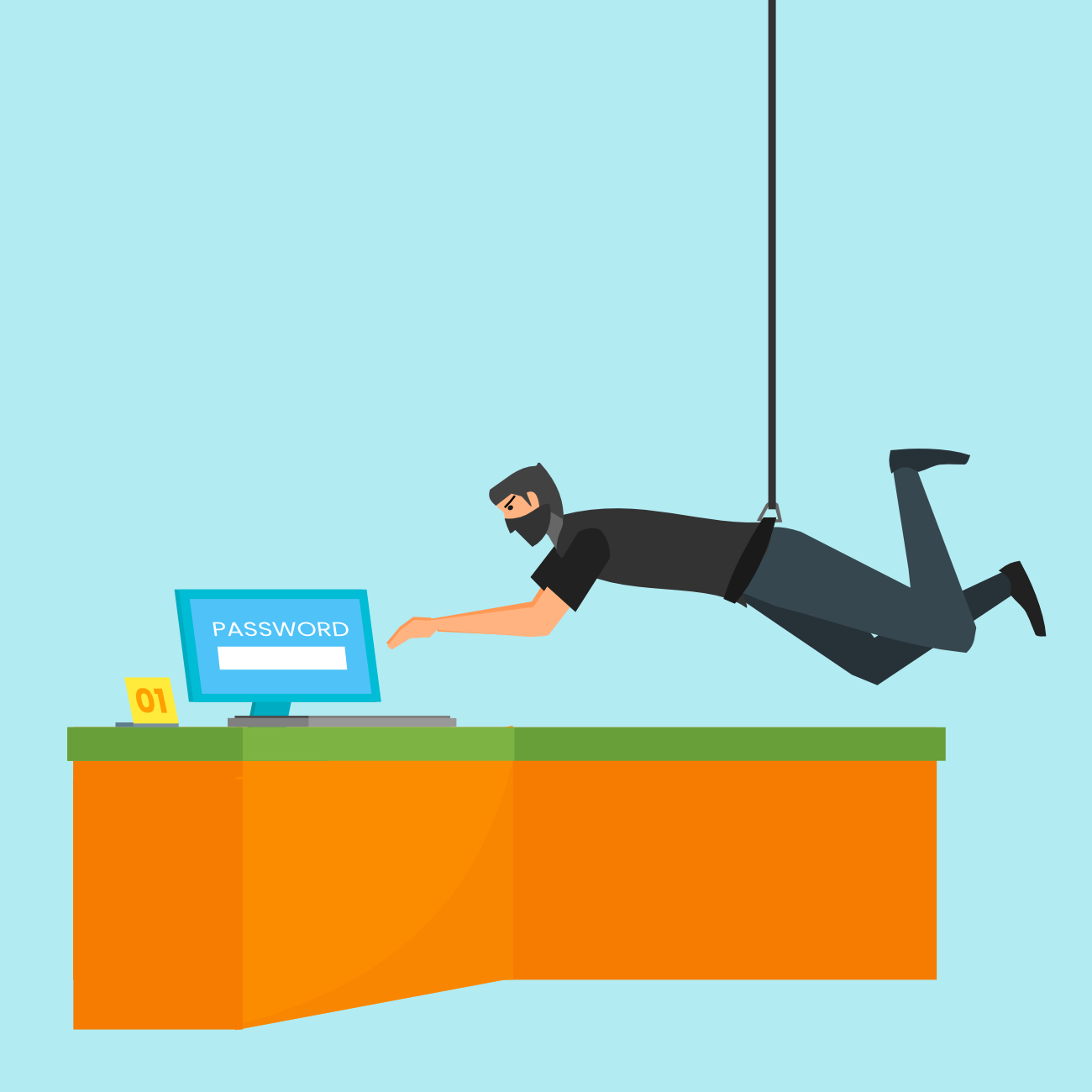
Did you know that most cybersecurity breaches begin with a psychological attack, not a highly technical piece of computer code? Scammers—also called threat actors by cybersecurity experts—use human behavior, not viruses, to collect money or install malicious software. How do they do this?
Ironically, it is often through our FEAR of viruses that they succeed. Ever visited a website and suddenly a window popped up alerting you that your computer was infected? This pop up was probably accompanied by loud alarming sounds and big red letters and it probably told you that you should immediately call the telephone number on the screen or click to connect to a technician.
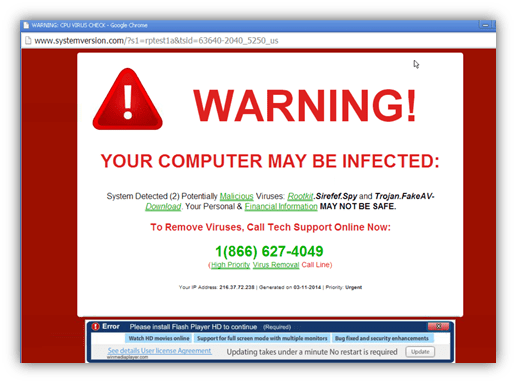
The most important thing to realize is this message is simply a blatant lie—a pop-up that is trying to confuse your internal scam-o-meter with the urgent alarms and messages—coupled with our human belief that computers cannot lie. Often, the scammer claims to be Microsoft or some other legitimate computer company but the phone number directs you to a shady call center.
Why do they want you to call or contact them? Money, of course. At the very least, scammers want to charge you for the supposed “cleaning” of your computer, from a virus that never existed. In the worst cases, they want to install malicious software to gather your personal data for financial fraud and identity theft or to freeze your access to your own computer until you pay them a ransom. They may also use psychological manipulation to convince you to purchase gift cards or cryptocurrency and give access to the scammer.
So how can you stop this scareware from appearing on your computer and making your heart skip a beat? Will an antivirus program prevent it? Actually, no. Because it is NOT a virus. Nothing has actually penetrated your computer. That window is simply a pop-up ad or browser notification. Wait! A pop-up advertisement or browser notification? Why would a site or browser allow such a terrible advertisement or notification? Some are probably oversights, some are malicious scripts injected into ads hosted on legitimate ad networks, and some legitimate-appearing websites are created by scammers to show their scareware.
Scammers are improving their con games every day. What can you do? Install an adblocker extension in your web browser (I recommend uBlock Origin) and disable notifications from your browser. If a scareware pop-up still appears, do not panic. Never call a phone number provided to you. Close the window. On Windows, you can press the “Ctrl” and “W” keys on your keyboard at the same time to close the suspicious webpage. On an Apple Mac, you can press the “command” and “W” keys. On Windows, run your built-in antivirus software, called Windows Security/Windows Defender. If you still are unsure, ask an IT expert you trust for advice.
Scareware has been an increasingly popular method for threat actors to defraud, scam, and steal identities from us. It exploits our fears to cause us to act quickly and sucks us into a psychologically manipulative phone call where we can be convinced to do things we would not normally do. The best protection against these attacks is awareness, and a cynical attitude when unexpectedly presented by our computers with declarations that our immediate attention is required.
See this blog post as a column article in the Bennington Banner.
Proud Member of